
Use Case · Tourism & Hospitality
Confirm restaurant reservations with your guests
Reduce no-shows and fill every table. Let Skoutee reach out to your guests, confirm their booking, and capture any changes — automatically.
The Problem
No-shows are killing your revenue
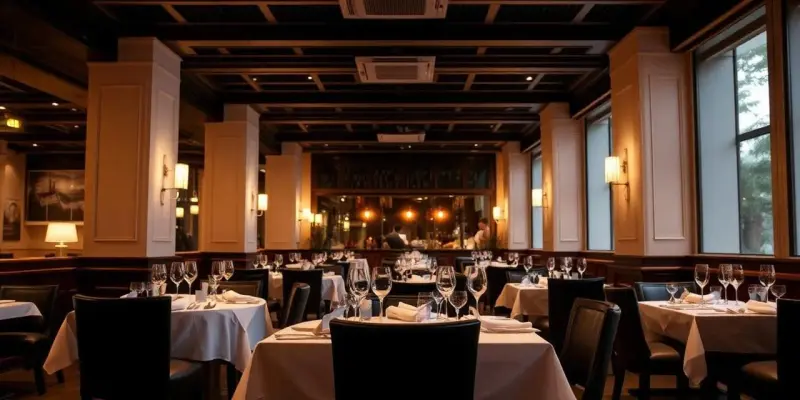
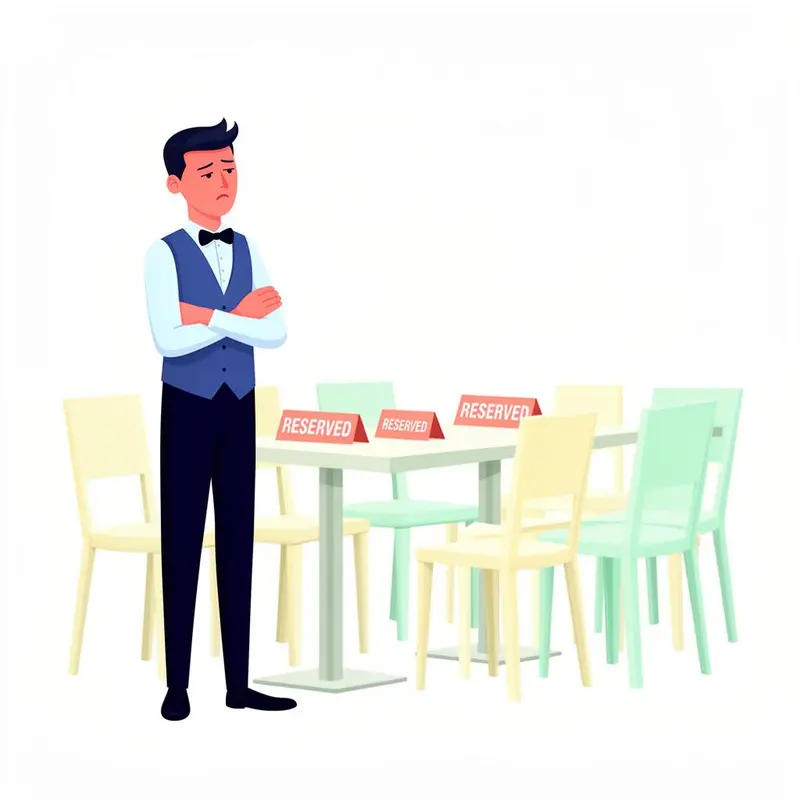
It's Saturday night. You're fully booked. The kitchen is prepped, the staff is ready — and then three tables don't show up. No call, no message, just empty seats while people on the waitlist would have loved those spots.
You could call every reservation to confirm, but that means a staff member spending their entire afternoon on the phone. Half the time, people don't pick up. The other half, you're playing phone tag. And even if you reach them, you're still manually tracking who confirmed and who didn't.
Every empty table on a busy night is lost revenue you can't get back. But manually confirming every reservation doesn't scale.
The Solution
Let Skoutee confirm every booking
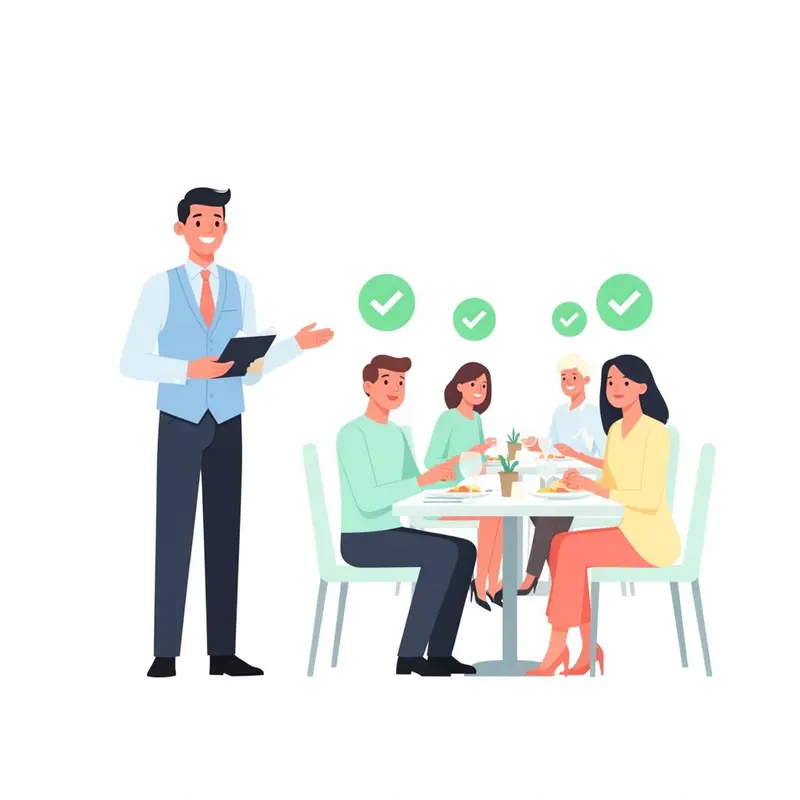
With Skoutee, every guest with a reservation gets a friendly, personal confirmation message — on WhatsApp, SMS, or email. They can confirm with a single reply, update their party size, mention dietary needs, or let you know they need to cancel.
Your dashboard updates in real-time. You know exactly who's coming, who cancelled, and which tables are free to rebook. No phone calls, no guesswork, no empty tables on a full night.
Step by step
How to set up your reservation scout
From reservation list to confirmed covers in under 2 minutes.
Define your confirmation message
Tell Skoutee what to ask: "Reach out to tomorrow's reservations and confirm they're still coming. Ask about party size changes and any dietary requirements." Skoutee creates a friendly, professional message — confirming the date, time, and number of guests, with options to confirm, modify, or cancel.
Import your reservations
Upload your reservation list from your booking system or a spreadsheet. Include guest names, reservation times, party size, and contact details. Skoutee reaches each guest on their preferred channel — WhatsApp, SMS, or email.
Set the timing
Schedule confirmations to go out automatically — 24 hours before the reservation, or 48 hours for larger parties and weekends. Set a follow-up reminder for anyone who hasn't responded 4 hours before their booking. Skoutee keeps it polite and professional.
Launch & manage
Hit launch. Skoutee contacts each guest, collects their confirmation (or cancellation), notes any changes to party size or dietary needs, and updates your dashboard in real-time. You always know exactly how many covers to expect tonight.
Benefits
Why restaurants love reservation confirmations
Fewer no-shows, better planning, happier guests.
Reduce no-shows dramatically
A personal confirmation message makes guests far more likely to show up — or at least let you know if they can't. Reclaim those tables.
Maximise your covers
Know about cancellations early so you can open those slots for walk-ins or waitlisted guests. No more empty tables on a busy night.
Always know tonight's numbers
Your dashboard shows confirmed, pending, and cancelled reservations in real-time. Plan staffing, prep, and seating with confidence.
Save hours of phone calls
No more staff spending the afternoon calling guests one by one. Skoutee handles hundreds of confirmations simultaneously.
Capture dietary needs upfront
Guests can mention allergies, vegetarian preferences, or celebrations. Your kitchen knows what's coming before the first order.
Guests feel valued
A personal check-in message shows you care about their experience. It sets a positive tone before they even walk through the door.
Pro tips
Best practices for reservation confirmations
Send confirmations 24 hours before for dinner, 48 hours for large parties or special events.
Keep the message short and warm: 'Hi [Name], just confirming your table for 4 tomorrow at 7 PM. Still coming?'
Always include an easy way to cancel or modify — it's better to know early than deal with a no-show.
Use WhatsApp or SMS for same-day confirmations — email is too slow for last-minute checks.
For high-demand nights (Friday, Saturday), consider sending confirmations 48 hours ahead to maximise rebooking time.
Add a personal touch: 'Looking forward to welcoming you!' builds anticipation and loyalty.
Security & Safety
Enterprise-grade security built in
Skoutee is designed with strict safety rails and compliance in mind. Your business data stays protected at every step.
Skoutee can't act on its own
Skoutee only does what you tell it to. It cannot initiate actions, access systems, or make decisions outside the scope you define. Every scout is triggered and controlled by you.
Your data is stored securely
All collected responses and files are encrypted at rest and in transit. Your data lives in a secured environment with strict access controls — never exposed to the open internet.
Full transparency & audit trail
Every message sent, every response collected — fully logged and visible in your dashboard. You always know exactly what Skoutee said and what it received.
No direct access to your systems
Skoutee's AI has no direct access to your controlling software, CRM, or databases. It operates in a sandboxed environment — completely isolated from your business-critical infrastructure.
Minimal data exposure
The AI only receives the minimal data it needs to do its job. For example, it knows "Customer X has an open invoice" — but never sees your full financial records, account details, or sensitive business data.
Secure authentication for storage
When Skoutee stores collected data, it goes through a highly secure authentication mechanism. The AI agent cannot read, modify, or access anything outside its defined scope — ever.
Ready to fill every table?
Create your first reservation scout in under 2 minutes. Free to start, no credit card required.